
About M&S TaxCaddy

Tax Caddy Image_crop

Making Tax Season Seamless with TaxCaddy

Mowery & Schoenfeld is on a mission to make the tax season experience easier and more secure for our individual clients. 

With TaxCaddy, you can electronically manage and upload your tax documents, communicate with your tax advisor, and sign the e-file authorization form — all from the convenience of your computer, smartphone, or tablet. 
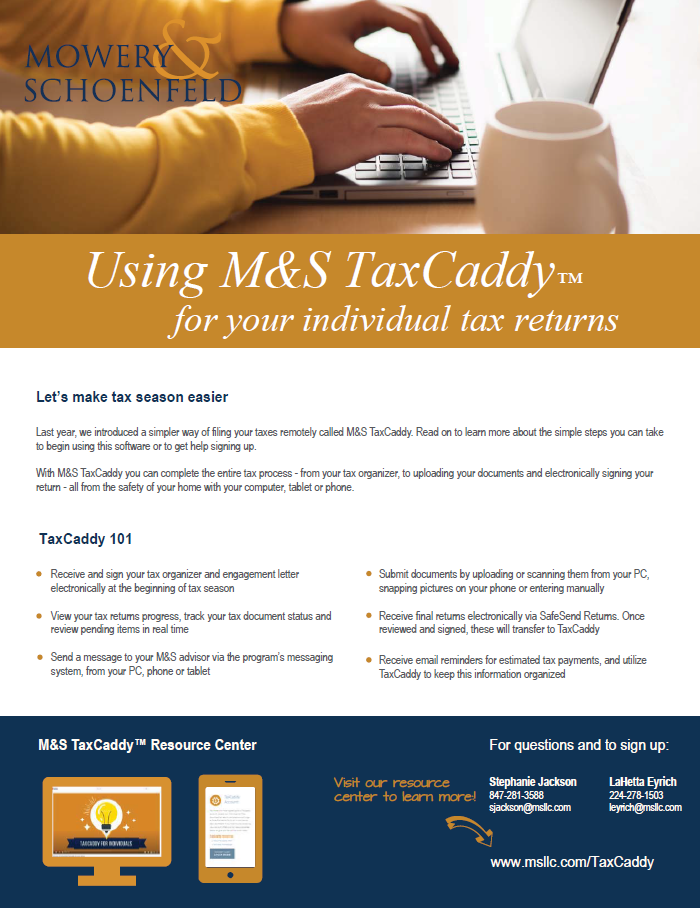
Download our instruction flyer here >

LOG IN TO TAXCADDY

Why Should I Use TaxCaddy?

TaxCaddy allows us to meet your tax planning, preparation, and filing needs — without the risk of losing documents in the mail or needing to come into our offices to drop off your documents. 

Through TaxCaddy, you can: 

  • Submit documents by uploading them, scanning them, or taking a photo of them 
  • Complete questionnaires and information requests 
  • Track outstanding items 
  • Communicate with your tax team 
  • Access information from your computer, tablet, or mobile device 
  • Keep records of tax payments and access tax returns 

Get started: Reach out to Mowery & Schoenfeld Tax Administrator Stephanie Jackson at 847-281-3588 or sjackson@msllc.com to sign up today. Once you sign up, follow the simple steps below to start using TaxCaddy. 

How to Use TaxCaddy

We will send you a TaxCaddy invitation via email. From the email, click “Get Started.”

Enter your mobile number to receive a 6-digit verification code or authenticate your accounting with the last four digits of your SSN, if applicable. Verify your account and accept the Terms of Use.

Click “Set up account password” in the upper right-hand corner of the Overview screen and follow the prompts to finish creating your account.

Grant access to your spouse, financial advisors, or other users as needed

Upload important documents or download your tax returns and sign your e-file authorization forms via the SafeSend Returns integration, directly from your TaxCaddy account.